Simplify Document Scanning and Reduce Manual Data Entry

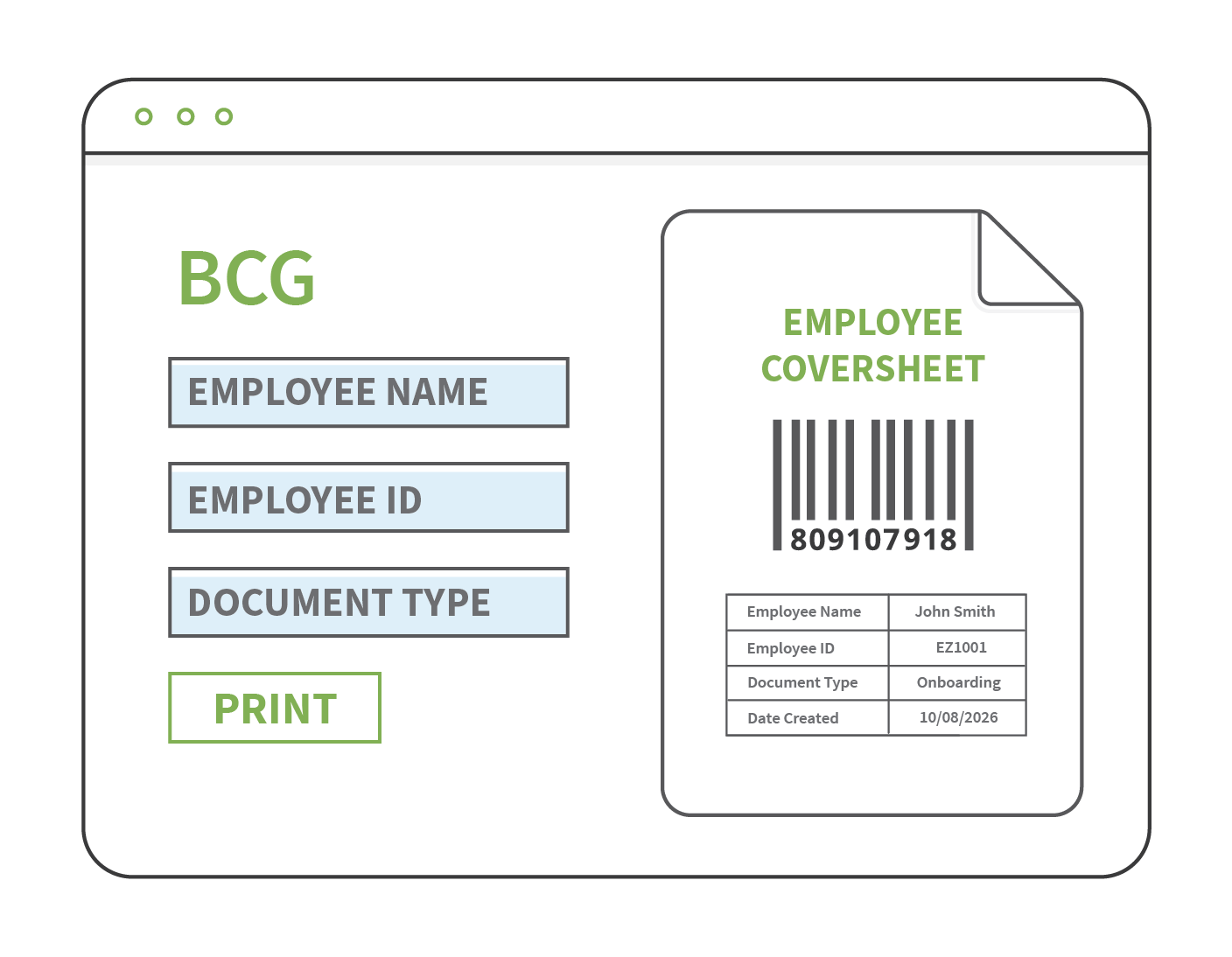
EzeScan’s Barcode Coversheet Generator (BCG) simplifies the capture of physical documents by generating barcode coversheets containing the metadata required to automatically process, name and file scanned documents.
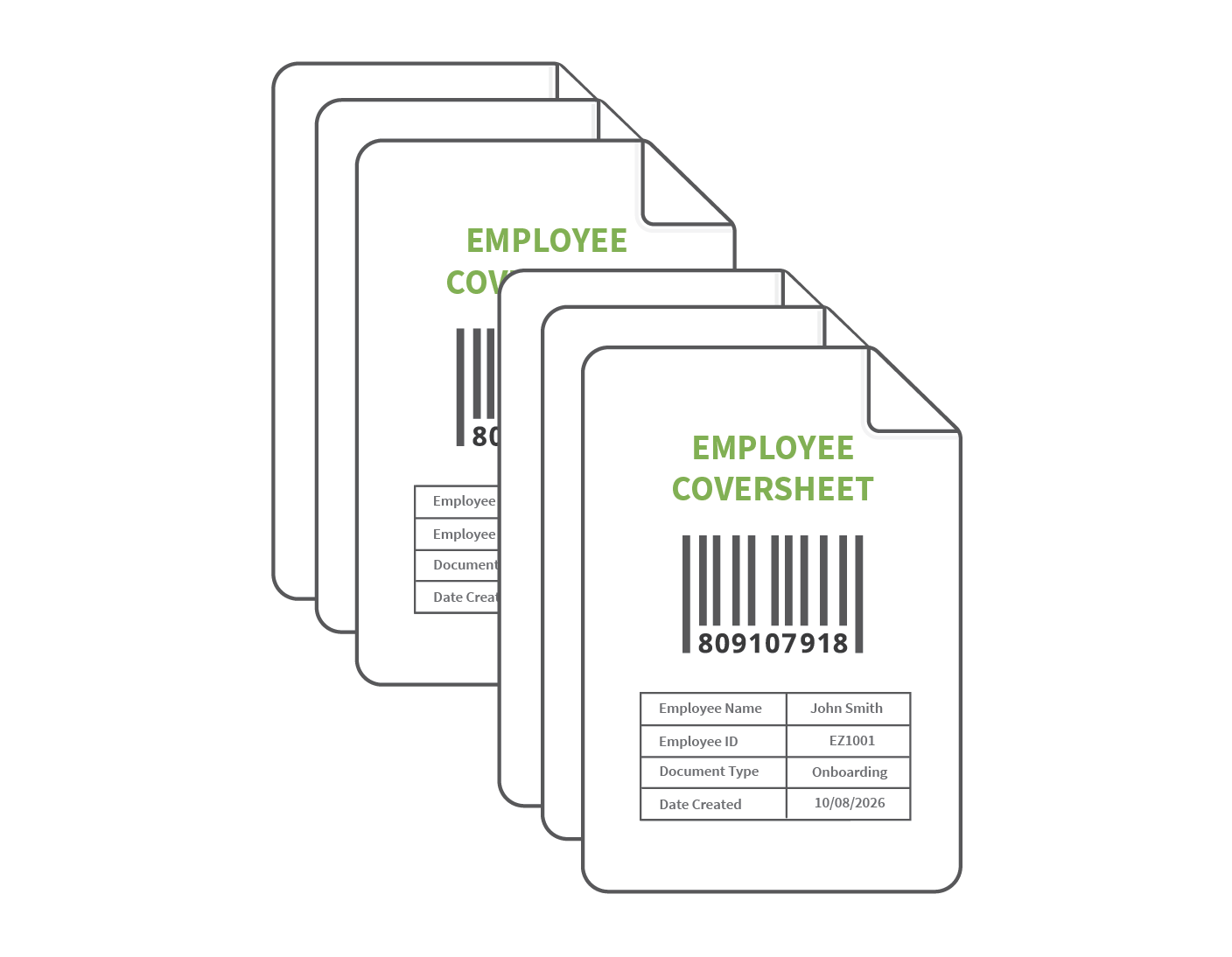
  • Enables document batches to be scanned together, with barcode information used to automatically identify, name and file documents.
  • Ideal for high-volume back scanning, records digitisation and day-to-day scanning workflows.

EzeScan's PII Discovery Solution Image.png

Create Purpose-Built Coversheet Pages
  • Create reusable barcode coversheet templates with configurable fields that users complete to support downstream document processing.
  • Use drop-down lists and lookup fields connected to databases or supported back-end systems to streamline data entry and improve accuracy.
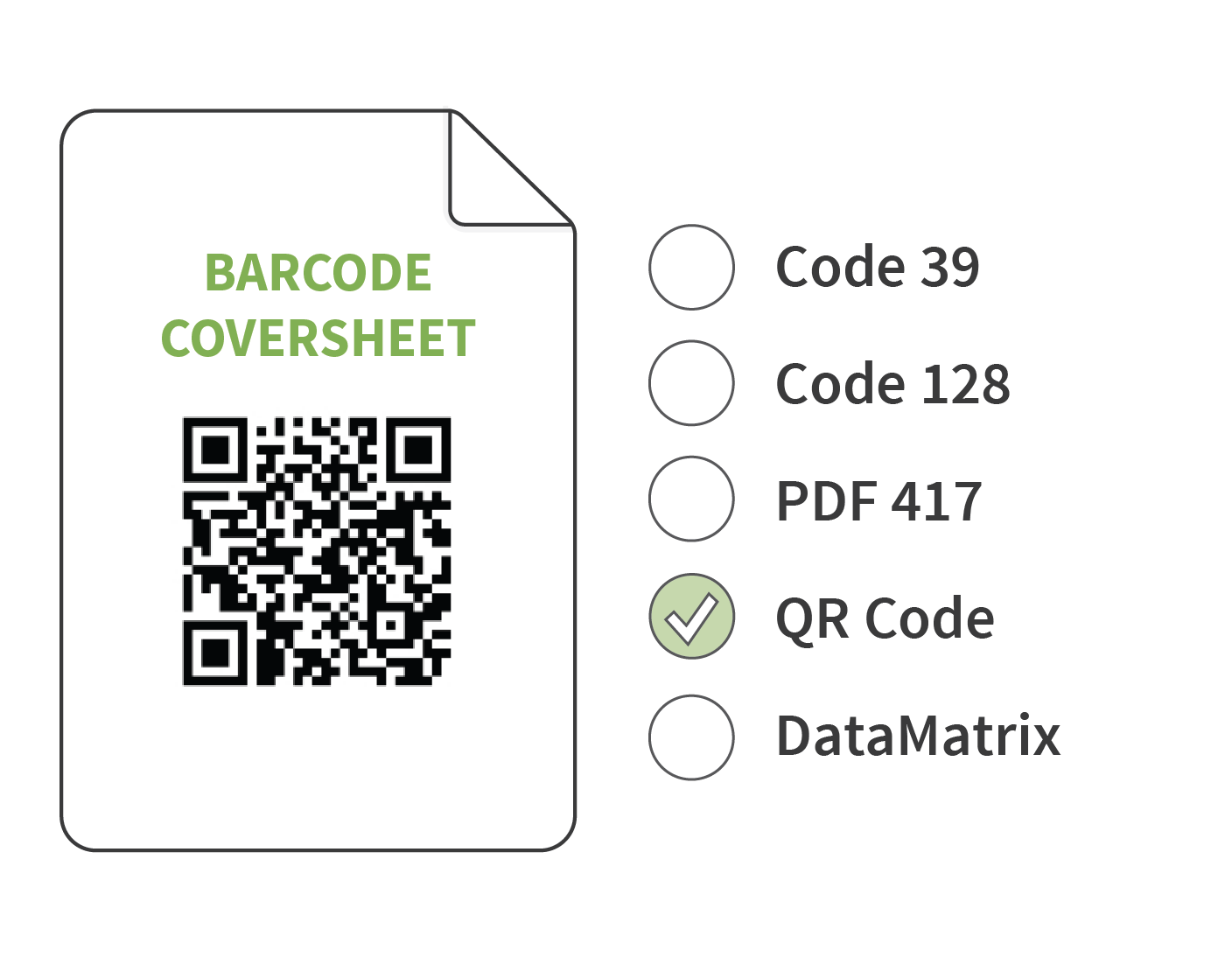
  • Choose from multiple barcode formats, including QR Code, Code 39, Code 128, Data Matrix and PDF417.
  • Tailor barcode settings and coversheet layout to meet organisational requirements, with options to add custom titles, header content, and metadata field tables.
EzeScan DRA Automated Monitoring Image

Effortless Coversheet Generation

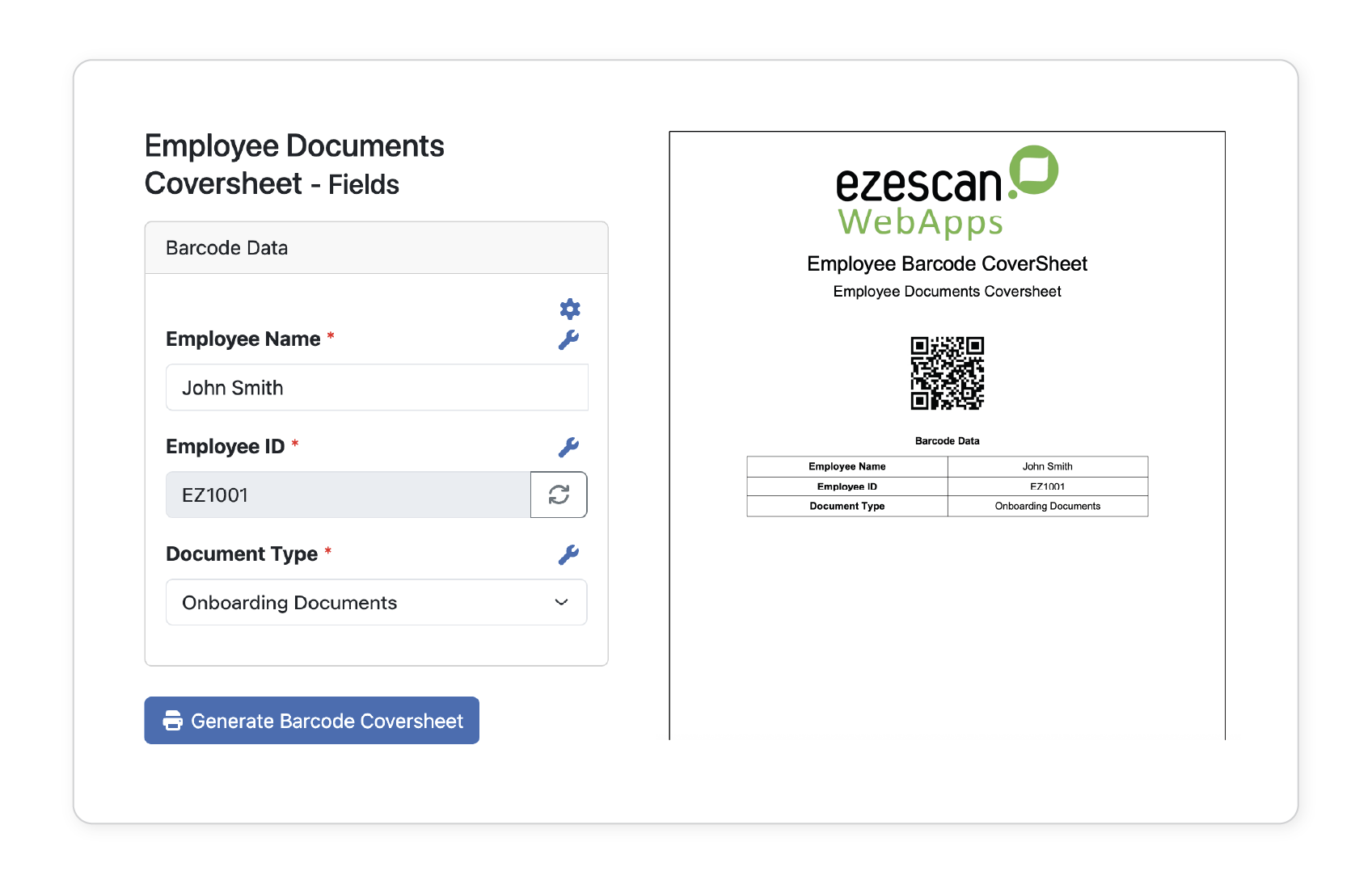
  • Users can quickly access pre-configured BCG coversheet templates through any web browser.
  • Required document information is entered into the configured fields with minimal effort.
  • Entered information is automatically encoded into the barcode generated on the coversheet.
  • Key metadata can be displayed beneath the barcode, making documents easier to identify before scanning.
EzeScan DRA Smart Searches Image.png

Scan Documents in Batches

  • Generated barcode coversheets can be printed and placed at the front of each document batch prior to scanning.
  • Multiple document batches can be scanned together directly from a MFP or via a production scanner with EzeScan Desktop Scanning Software.
  • Scan documents directly to dediclated email box or network folder.
EzeScan DRA Automated Workflows Image

Automate Document Processing and Filing
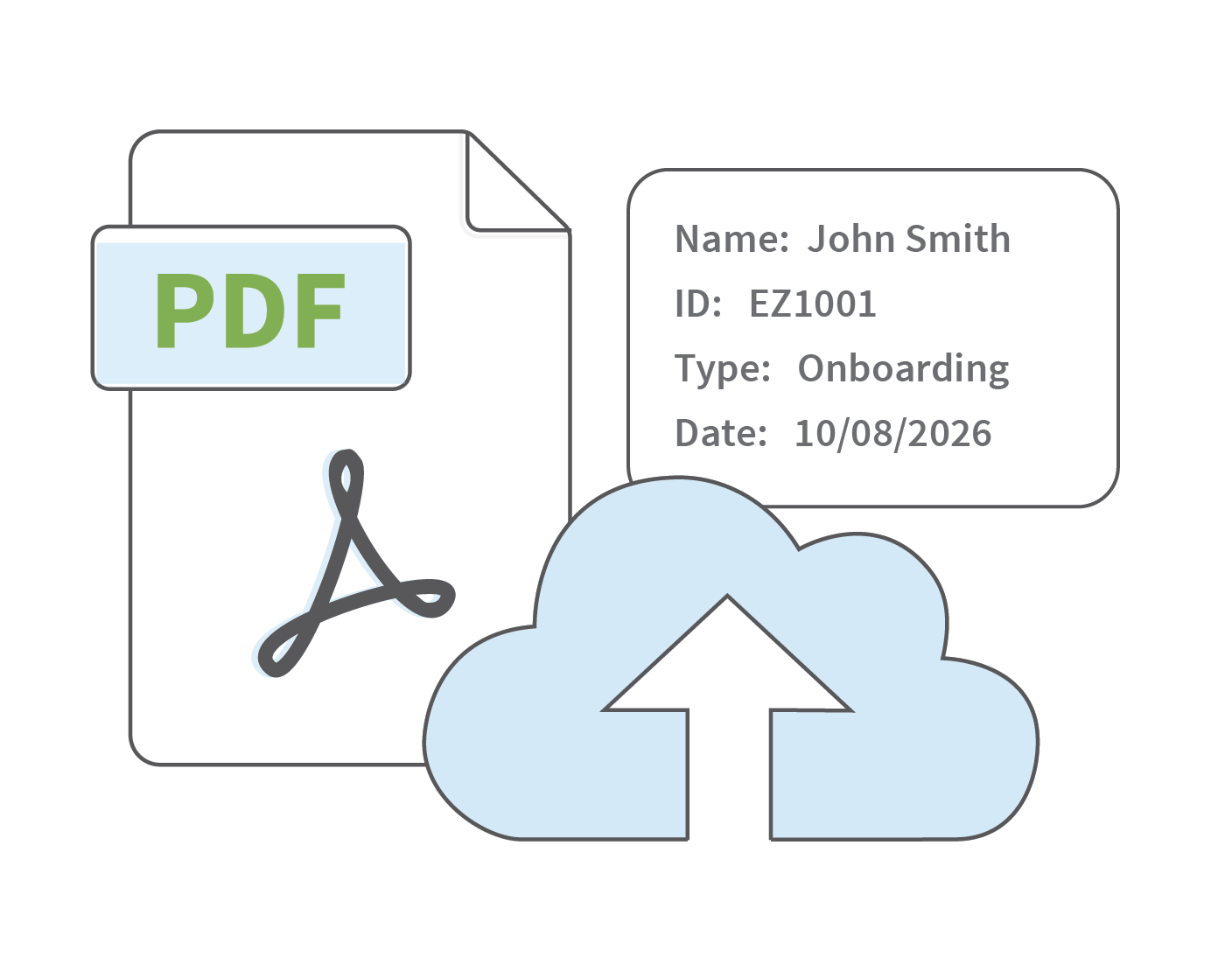
  • Use EzeScan’s Remote Indexing Assistant (RIA) to automate downstream processing of scanned documents.
  • Configure workflows to detect barcode coversheets and automatically split scanned batches into individual documents or groups.
  • Automatically extract metadata embedded within the barcode and use it to automatically name, classify and file documents to the appropriate location.
EzeScan DRA WebApp Dashboard Screenshot.png